
Welcome to Vurvey
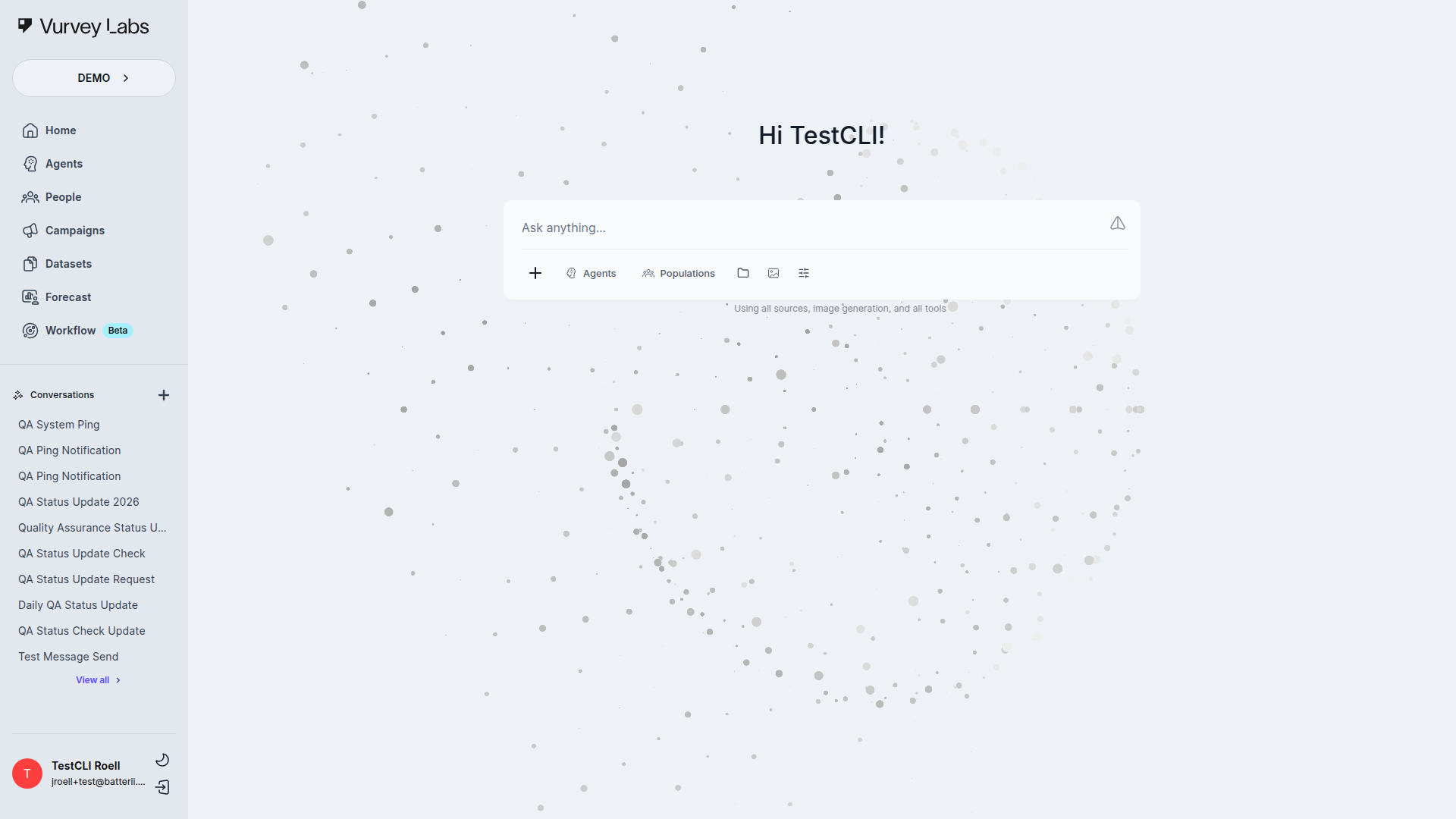
Vurvey is the AI-powered consumer insights platform that helps you combine the speed of artificial intelligence with the depth of real human perspectives. Whether you're testing a new product concept, tracking brand sentiment, or exploring what consumers really think, Vurvey gets you from question to insight faster than traditional research methods.
What You Can Do with Vurvey
Vurvey is built for market researchers, brand strategists, and insights professionals who need answers quickly without sacrificing quality. Here's what the platform makes possible:
- Have AI-powered conversations — Ask questions and get instant analysis from AI Agents that understand your brand, your category, and your consumers.
- Run video-based research campaigns — Collect rich, qualitative responses from real participants through video surveys, then let AI help you find the patterns.
- Organize and analyze your data — Upload documents, spreadsheets, and reports to Datasets so your AI Agents can reference them when answering your questions.
- Automate recurring research tasks — Build Workflows that combine multiple steps into a single automated process, so your weekly reports practically write themselves.
- Understand your audience — Manage and segment your research participants in People, then target the right groups for each campaign.
Finding Your Way Around
Once you log in, you'll land on the Home page, where you can start chatting with AI right away. The sidebar on the left is your main navigation and gives you access to every section of the platform.
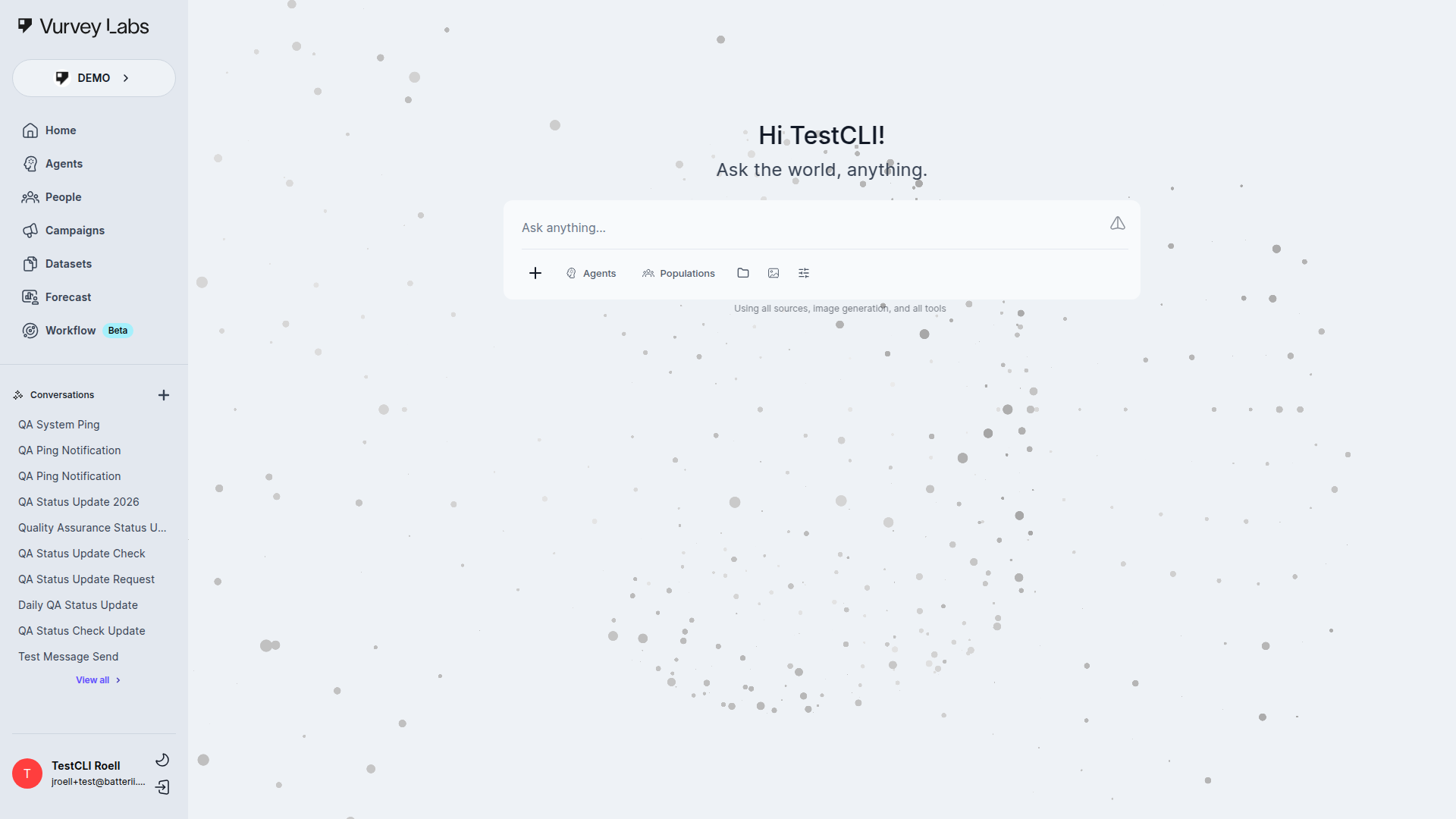
Here's what each section does:
| Sidebar Item | What It's For |
|---|---|
| Home | Your main workspace for AI-powered conversations. Ask questions, get analysis, and explore insights. (Requires chatbotEnabled) |
| Agents | Browse, create, and customize the AI Agents that power your research conversations. (Requires chatbotEnabled) |
| People | Manage your research participants — view contacts, build segments, and organize audiences. |
| Campaigns | Create and manage video surveys and other research campaigns to collect real consumer responses. |
| Datasets | Upload and organize files (documents, spreadsheets, reports) so your AI Agents can analyze them. (Requires chatbotEnabled) |
| Forecast | View predictive analytics and trend projections when Forecast is enabled for the workspace. |
| Workflow | Build automated, multi-step research pipelines when Workflow is enabled for the workspace. (Beta) |
Quick Tip
At the bottom of the sidebar, you'll find your profile, your current workspace name, and the option to switch between workspaces if you belong to more than one.
Key Concepts
Agents
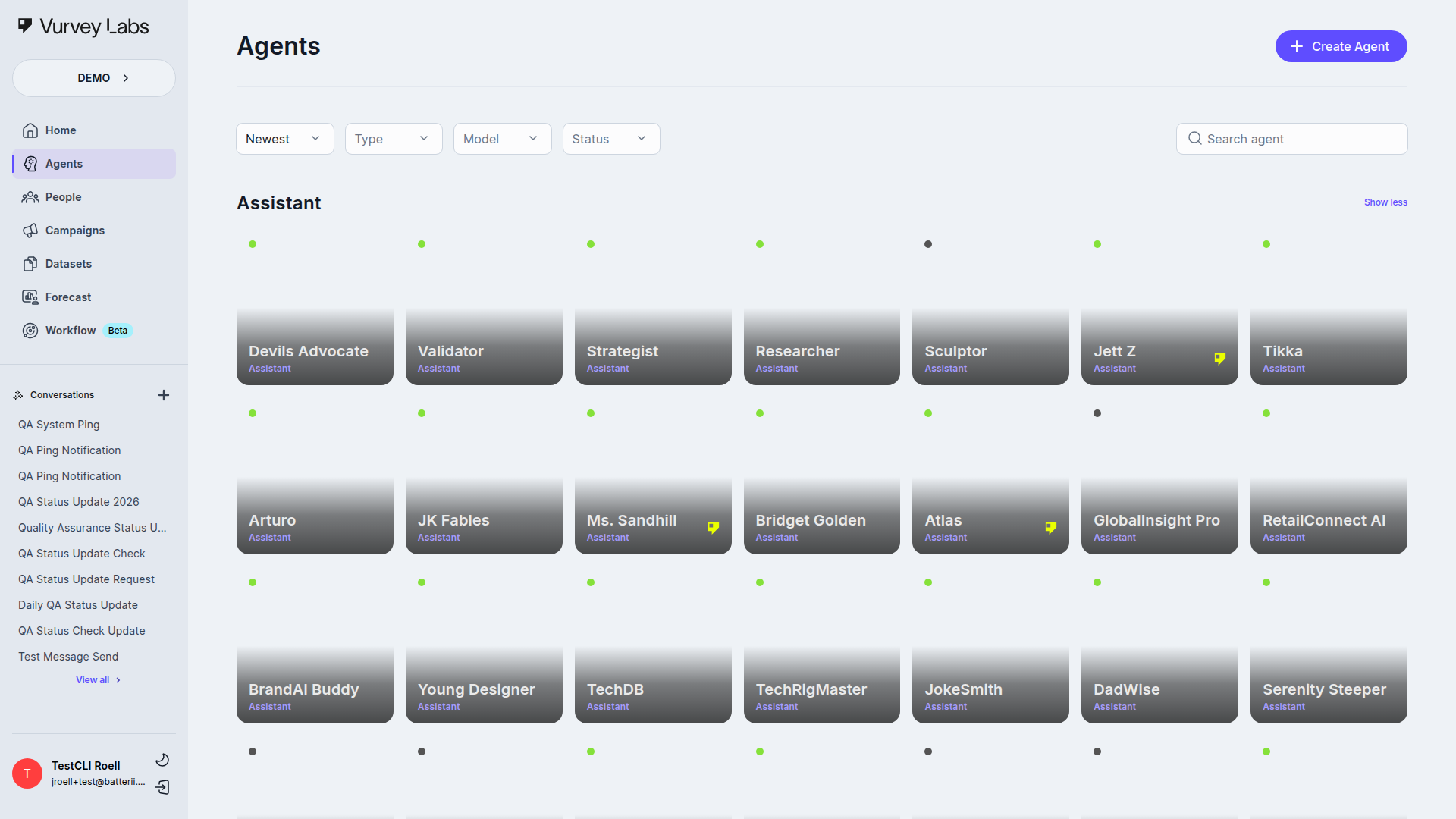
Agents are the AI-powered personas that drive your research conversations. Each Agent has its own personality, expertise, and communication style. You might create an Agent that specializes in beauty trends for Gen Z consumers, another that's an expert in sustainable packaging, or one that knows your brand's competitive landscape inside and out. Learn more about Agents
People
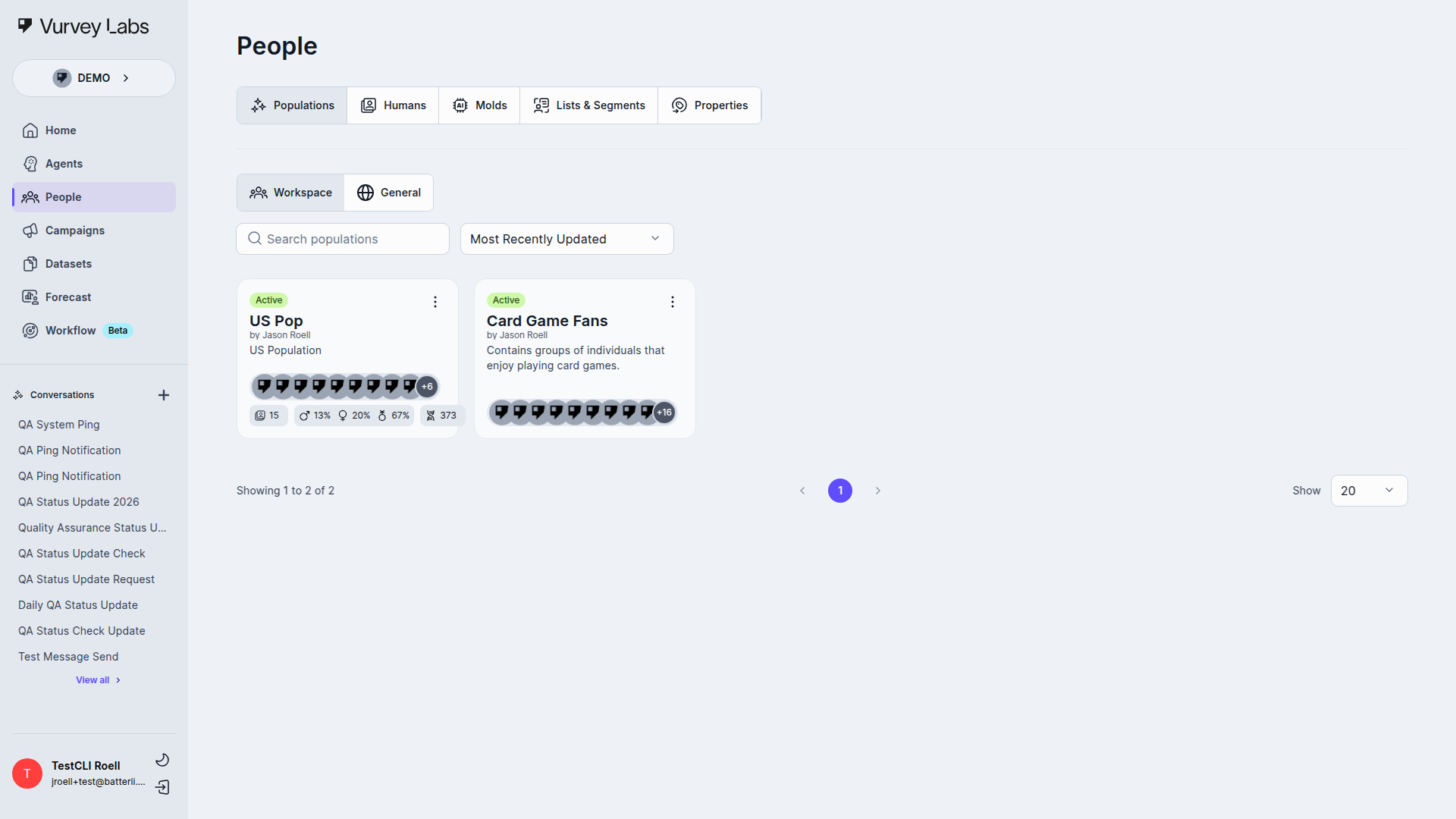
The People section is where you manage your research participants and audience segments. You can view individual contact profiles, organize participants into lists, and build segments based on demographics or behavior. This helps you target the right audience for each campaign. Learn more about People
Campaigns
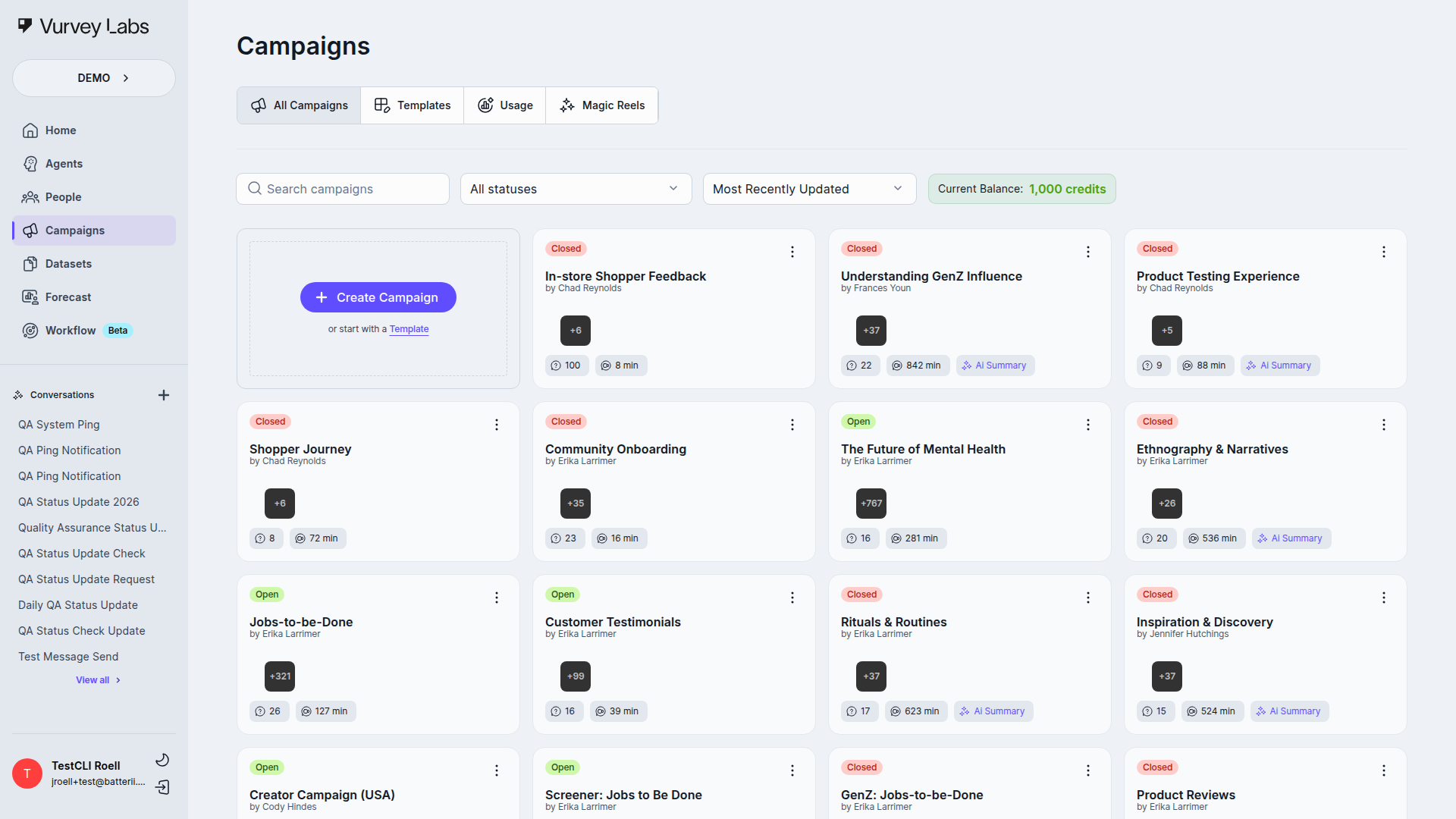
Campaigns are your structured research projects. Use them to create video surveys, collect consumer responses, and gather the qualitative data that fuels your insights. Whether you're running a concept test for a new product or gathering feedback on packaging designs, Campaigns help you collect what you need. Learn more about Campaigns
Datasets
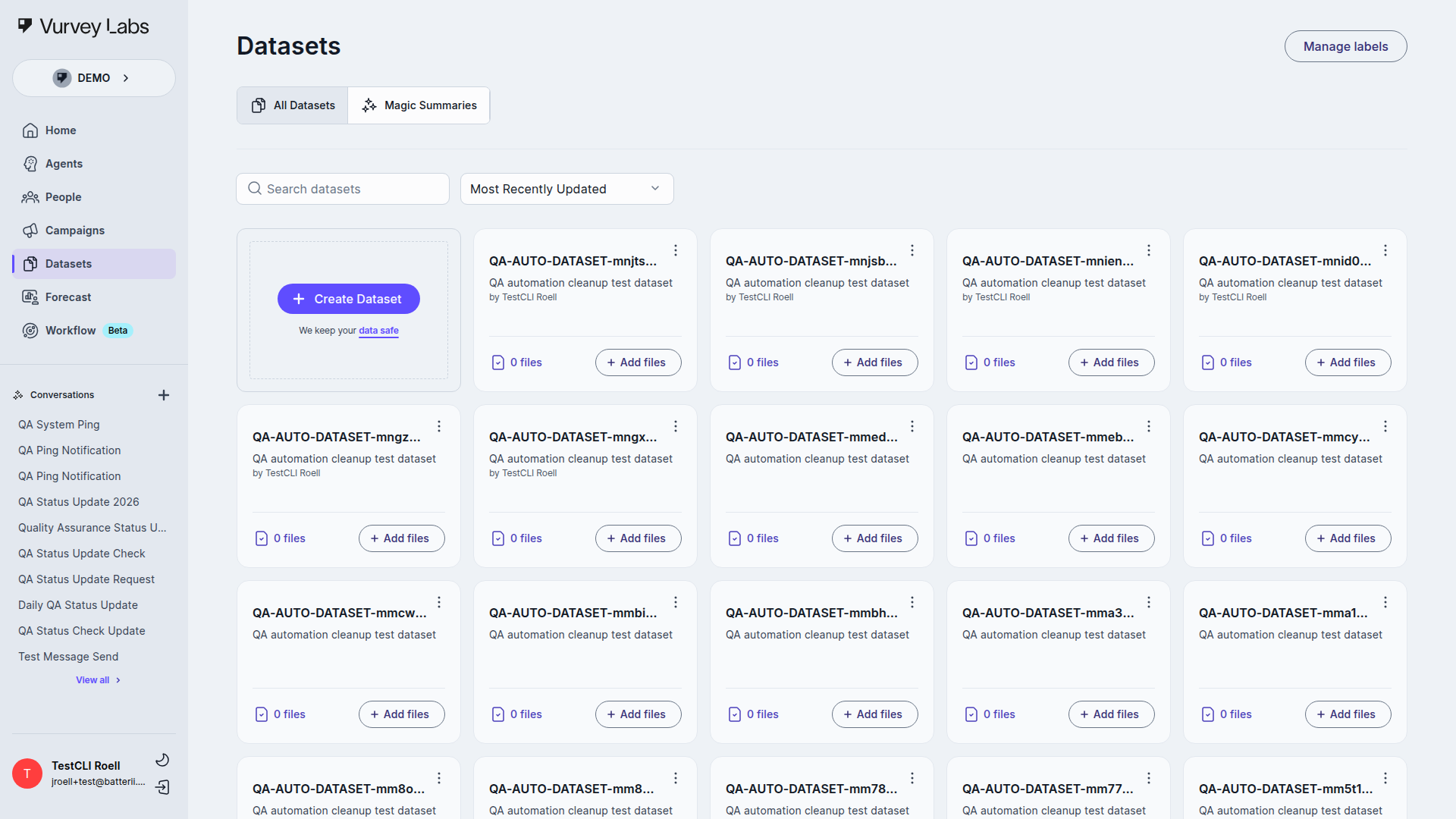
Datasets are collections of files — documents, spreadsheets, reports, videos — that you upload so your AI Agents can reference them during conversations. For example, you might upload last quarter's sales data, competitive analysis reports, or past research findings so your Agent can draw on that context when answering your questions. Learn more about Datasets
Workflows
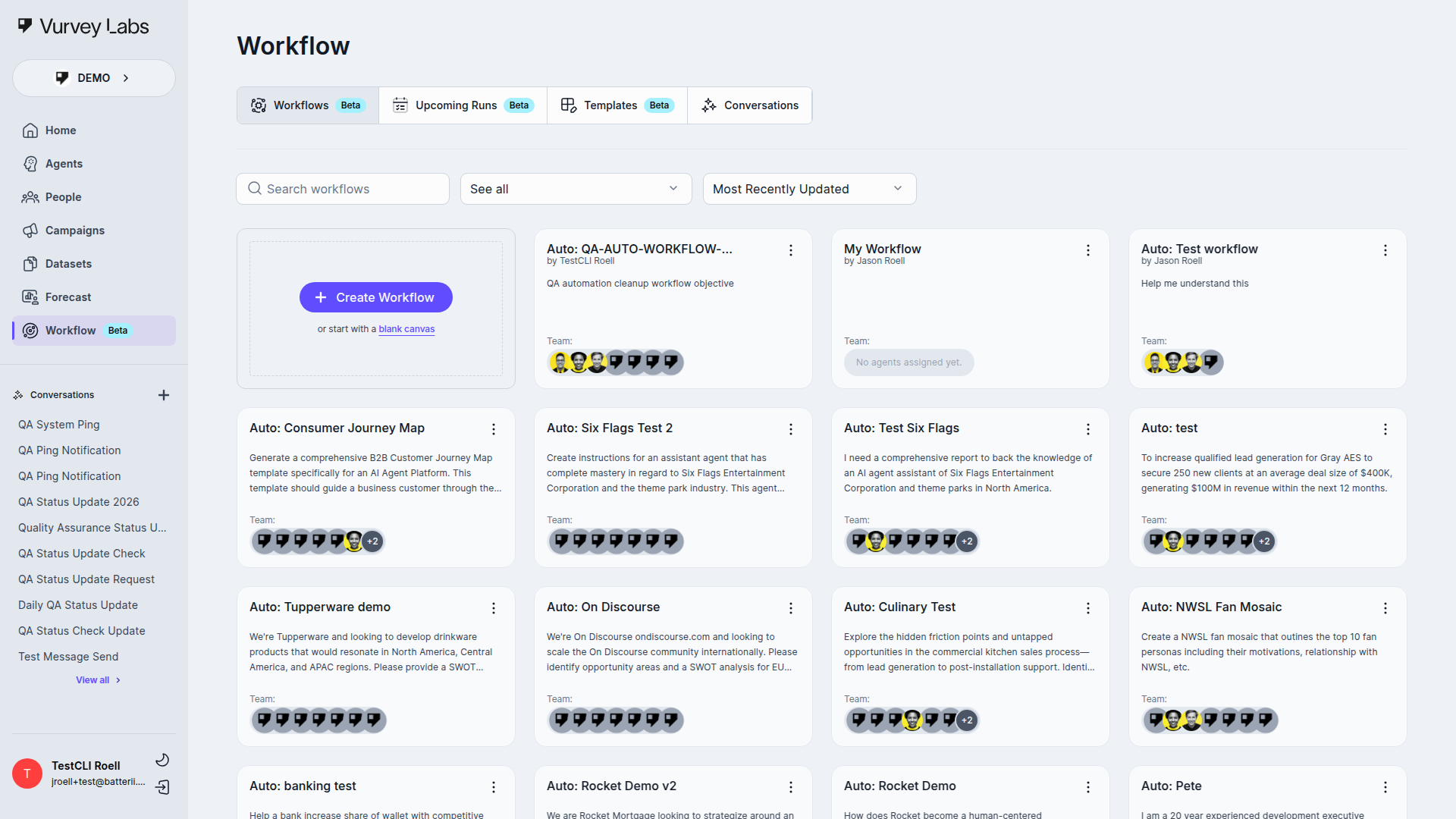
Workflows let you automate multi-step research processes. Imagine setting up a pipeline that automatically analyzes new campaign responses every week, generates a summary report, and delivers it to your team. That's the kind of thing Workflows make possible. (Currently in Beta) Learn more about Workflows
Getting Started
Here's the fastest path to your first insight:
- Log in to your Vurvey account (see the Login guide)
- Start a conversation on the Home page — just type a question and see what your AI Agent can do
- Explore different Agents — switch between Agents to get different perspectives on your research questions
- Upload your data — add files to Datasets so your Agents can analyze your specific research materials
- Launch a campaign — when you're ready to hear from real consumers, create a Campaign to start collecting responses
Example: Testing a New Product Concept
Say you're a brand manager at a beauty company and you want to explore consumer reactions to a new skincare line concept. Here's how you might use Vurvey:
- Upload your concept brief to a Dataset
- Chat with an Agent on the Home page, asking it to identify potential consumer concerns based on your brief
- Create a Campaign with video survey questions to gather real consumer reactions
- Review responses and ask your Agent to summarize the key themes
- Build a Workflow to automatically generate weekly insight summaries as new responses come in
Getting Help
- Ask your AI Agent — The chat interface on the Home page is a great first stop for questions about your data or research
- Browse this documentation — Use the sidebar to find guides for every feature
- Quick Reference — See the Quick Reference for a cheat sheet of common tasks
- Contact your administrator — Reach out to your workspace admin for account or access questions
Next Steps
Ready to dive in? Here's where to go next: